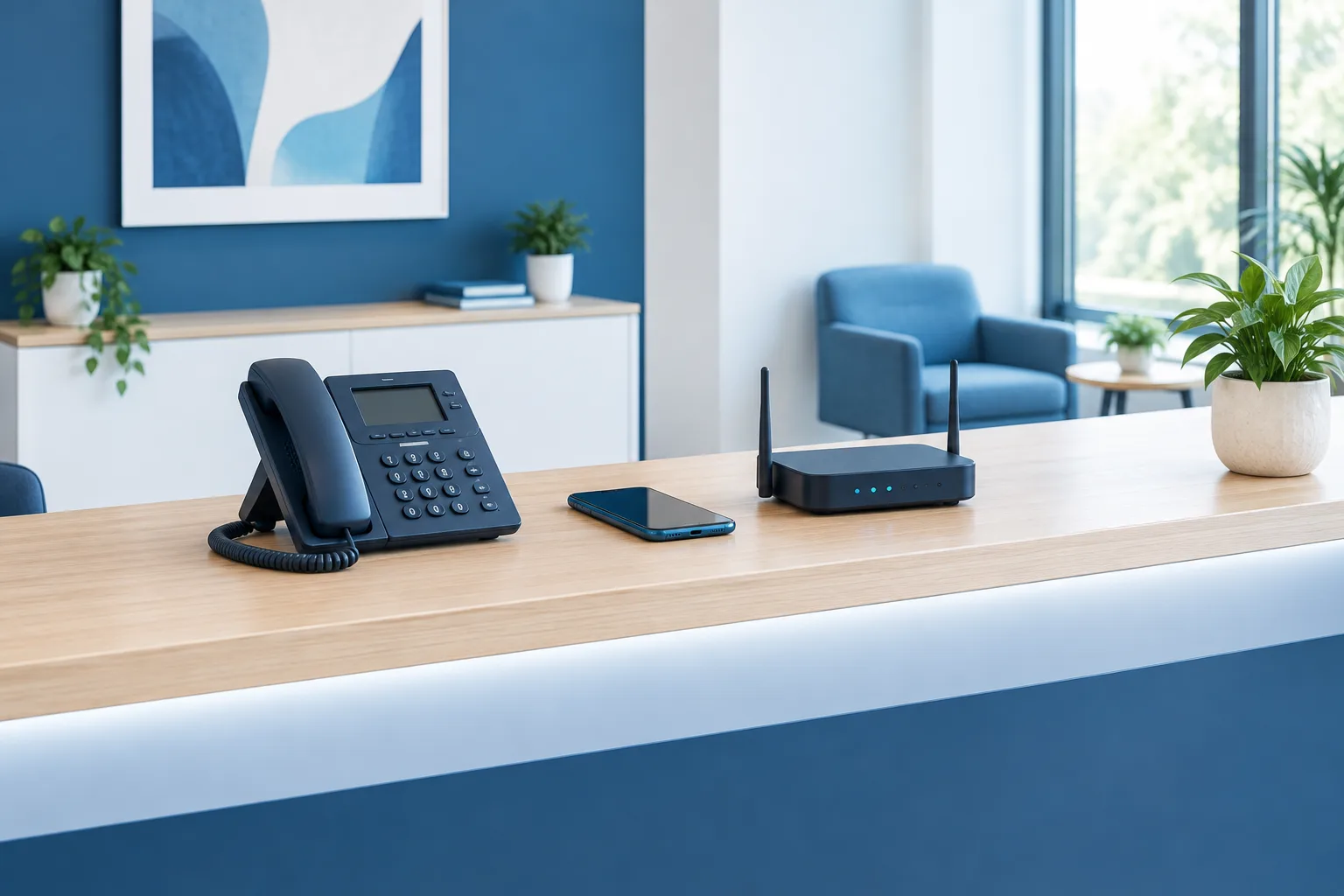
When the office internet goes down, internet-based business phones may stop working too. A business VoIP outage backup plan helps you keep receiving calls by routing them to another destination or restoring connectivity through a backup connection.
The right option depends on what failed, how your phone provider handles outages, and whether your backup path is ready to use. Call forwarding can be a straightforward fallback, while cellular failover can help keep office devices online. Neither should be assumed to work automatically. Configure and test your plan before you need it.
Start by identifying what has failed
“The phones are down” can describe several different problems. Identifying the failure helps you choose a useful backup instead of relying on a single fix.
- Internet-provider outage: Your office loses its connection to the phone service. Hosted VoIP desk phones may be unable to register or place calls until connectivity returns.
- Office power loss: A router, network switch, or desk phone without backup power may shut down, even if the internet provider is still operating.
- Local network or equipment failure: The internet connection may be available, but a failed router, switch, or other office equipment can prevent phones from reaching it.
- Phone-provider or wider network disruption: Your office internet may work while the service that routes calls is unavailable. A second internet connection will not necessarily solve this type of problem.
These failures can overlap. For example, a power problem may take out both the office network and its internet equipment. Treating phone continuity as part of a broader business continuity plan can help you account for those dependencies.
Option one: Forward calls to a mobile or alternate number
Call forwarding routes calls for your business number to another number, such as a manager’s cell phone or a backup answering destination. It can be a practical way to stay reachable during an internet-provider outage because the person answering does not need to be at an office desk phone.
But forwarding is not always the same as forwarding during an outage. Some systems let an administrator configure routing in the provider’s service, while other setups may depend on the office phone system or internet connection being available. Ask your provider specifically whether calls can be forwarded when the office internet is already down. Confirm where the setting is managed and how to activate it if you cannot access office equipment.
Provider instructions explain how to set up call forwarding, but the available options depend on your service and configuration. See the 8x8 call-forwarding setup guidance as an example of why it is worth learning your provider’s process in advance.
What forwarding can do: Give callers a route to a person who can answer from a working phone connection.
What it may not do: Keep desk phones, office applications, voicemail, or other internet-dependent tools working. Calls may also reach a personal mobile number, so decide who is allowed to answer and what information they should share.
Option two: Use backup internet for business phones
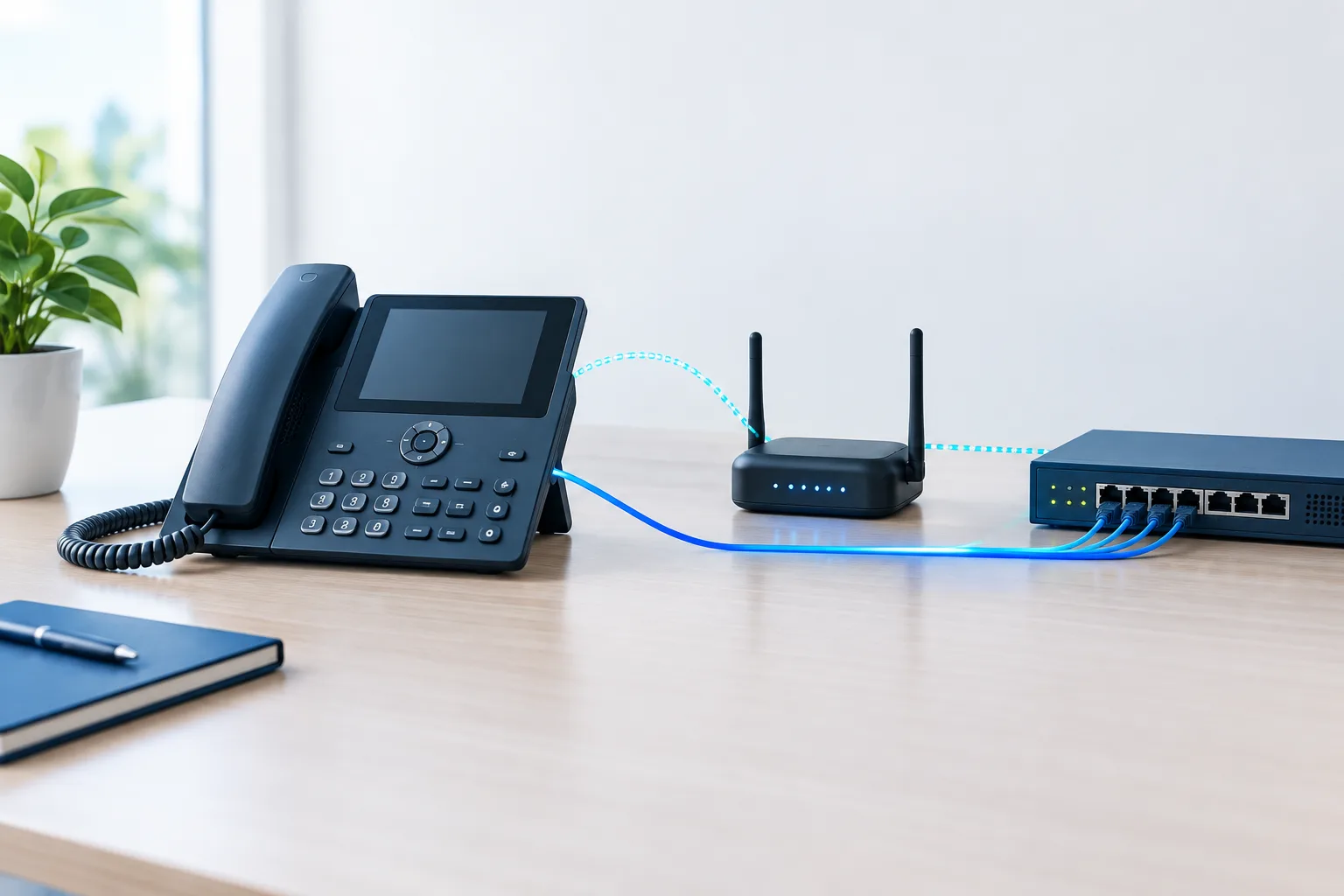
A secondary connection can give your office a route to the internet when its primary service fails. With automatic failover, compatible network equipment switches traffic to the backup connection when it detects a problem. If the phones depend on the office network and the failure is limited to the primary internet service, that may help desk phones continue working.
Cellular failover for VoIP is one possible approach. A cellular modem or gateway can provide backup internet, but the result depends on the phone system, network setup, backup connection, and available cellular signal. Check that the failover equipment can support the traffic your phones need and that switching happens as expected. A backup line that is not connected to the phone network, or that cannot provide reliable service at your address, will not provide useful continuity.
Also check whether the primary and backup services rely on shared equipment or infrastructure. Different provider names alone do not prove that the backup follows a separate physical route. Ask what the backup depends on and what types of failures it is designed to cover. A provider’s overview of backup and failover internet options can help you understand the general approach, but confirm the details for your own service and location.
What failover can do: Keep compatible devices connected when the primary internet connection fails and the backup path is available.
What it may not do: Fix an office power loss without backup power, restore a failed phone provider, or keep calls working if local network equipment is down.
Option three: Ask about local survivability
Some phone systems offer a local survivability mode. Depending on the system, compatible local equipment may continue handling certain phone functions if it loses its connection to the cloud service. This is a more system-specific option than forwarding calls to a mobile number or adding a backup internet connection.
Ask your phone provider what remains available in survivability mode. Does it support internal calls, external calls, or only selected functions? What equipment and configuration are required? How do phones return to normal operation when service is restored? For an example of how provider-specific this can be, review Zoom Phone Local Survivability call-forwarding guidance.
Do not assume that a local mode protects against every outage. It may address a lost connection to a hosted phone service but not a power failure, damaged local equipment, or a broader carrier disruption. Confirm the scope with your provider.
Build a practical phone outage plan
A useful plan should be simple enough to follow under pressure. Write down who takes action, where calls should go, and how the team confirms that the fallback is working.
- Choose the fallback destination. Identify the person, team, or answering service that will receive calls. Confirm that the destination can handle customer inquiries and has access to the information it needs.
- Set up routing in advance. Find out whether forwarding is managed through the provider, an administrator account, or office equipment. Keep instructions and access details somewhere authorized staff can reach if the office connection is unavailable.
- Check the backup path at the actual address. Businesses in Daytona Beach, Ormond Beach, Port Orange, New Smyrna Beach, DeLand, and Deltona should verify cellular signal and backup-provider availability at each business location. Availability can vary from one address to another.
- Plan for power and local equipment. Identify which routers, network devices, and phone equipment need power. Decide what happens if those devices are unavailable, not just if the internet provider has an outage.
- Prepare a customer message. Give staff a brief, accurate explanation to use if service is disrupted. Avoid promising a return time you cannot confirm, and provide an alternate way to reach the business if one is available.
- Test inbound calls and recovery. Place a test call from outside the office to confirm it reaches the fallback destination. Then confirm that normal routing is restored after the test. Document who changes the settings and how the team knows the system is back to normal.
Test the plan regularly and whenever a phone provider, network setup, or fallback destination changes. Choose a schedule your team can maintain, and record any steps that failed or caused confusion. If your phone system is part of a broader network upgrade, a review of business network setup considerations can help you evaluate the connections and equipment your phones rely on.
Call forwarding or internet failover?
These options solve different problems. Forwarding sends calls to an alternate number. Internet failover gives compatible office equipment another route online. Forwarding may be simpler when your main priority is ensuring someone answers calls, while failover may suit a business that needs desk phones and other network-dependent tools to continue operating.
Some businesses may use both, with a separate fallback for a phone-provider disruption. What matters is understanding each option’s limits and confirming how it behaves during the specific failures your business wants to address.
Frequently asked questions
Can VoIP calls be forwarded to a cell phone during an internet outage?
They may be, if your provider and phone configuration support forwarding when the office connection is down. Confirm the outage behavior with your provider and test it before relying on it.
Will cellular internet backup keep business VoIP phones working?
It can help if the primary internet connection fails and the cellular backup, network equipment, and phone system are configured to work together. It will not necessarily address power loss, a provider outage, or weak cellular coverage.
Can employees use a business phone app over cellular data?
That depends on the phone service, app configuration, cellular connection, and your organization’s policies. Test the app on the intended devices and confirm employees know how to answer business calls appropriately.
How often should a business test its phone outage plan?
Test it on a regular schedule your team can maintain, and after changes to the phone system, network, or fallback routing. Include both the switch to the backup and the return to normal service.
Keep your business reachable
A resilient phone plan starts with knowing what can fail, choosing a fallback, and checking that calls actually reach the right person. If you need help reviewing your phone and network continuity options, contact Zevonix at (386) 260-0777.