
When a major outage hits, it is tempting to restore the most visible system first. But the right answer to which business systems to restore first after an IT outage depends on what your organization must do, what each task depends on, and how long you can work around the disruption.
A practical recovery plan starts with essential business functions, not a generic list of applications. The worksheet below helps you connect the work your team needs to perform with the technology and people required to perform it. Use it before an incident, then review it with the people who will make recovery decisions.
Start with essential work, not a list of software
Write down the business functions that must continue or resume for your organization to serve customers, protect people, meet obligations, and keep operations moving. Examples might include processing orders, coordinating staff, serving patients, handling payments, or accessing required records. The priorities will differ by organization and may change during the incident.
For each function, ask what happens if it is unavailable. Consider effects on safety, customer or community service, revenue, time-sensitive work, and obligations your organization must meet. Then record whether a manual workaround is possible, who can carry it out, and how long it is practical to use.
A business impact analysis is this structured look at the consequences of interrupted work. It helps leaders set recovery priorities based on real operational impact rather than assumptions about which technology seems most important. CISA’s service continuity resource guide offers additional continuity planning context.
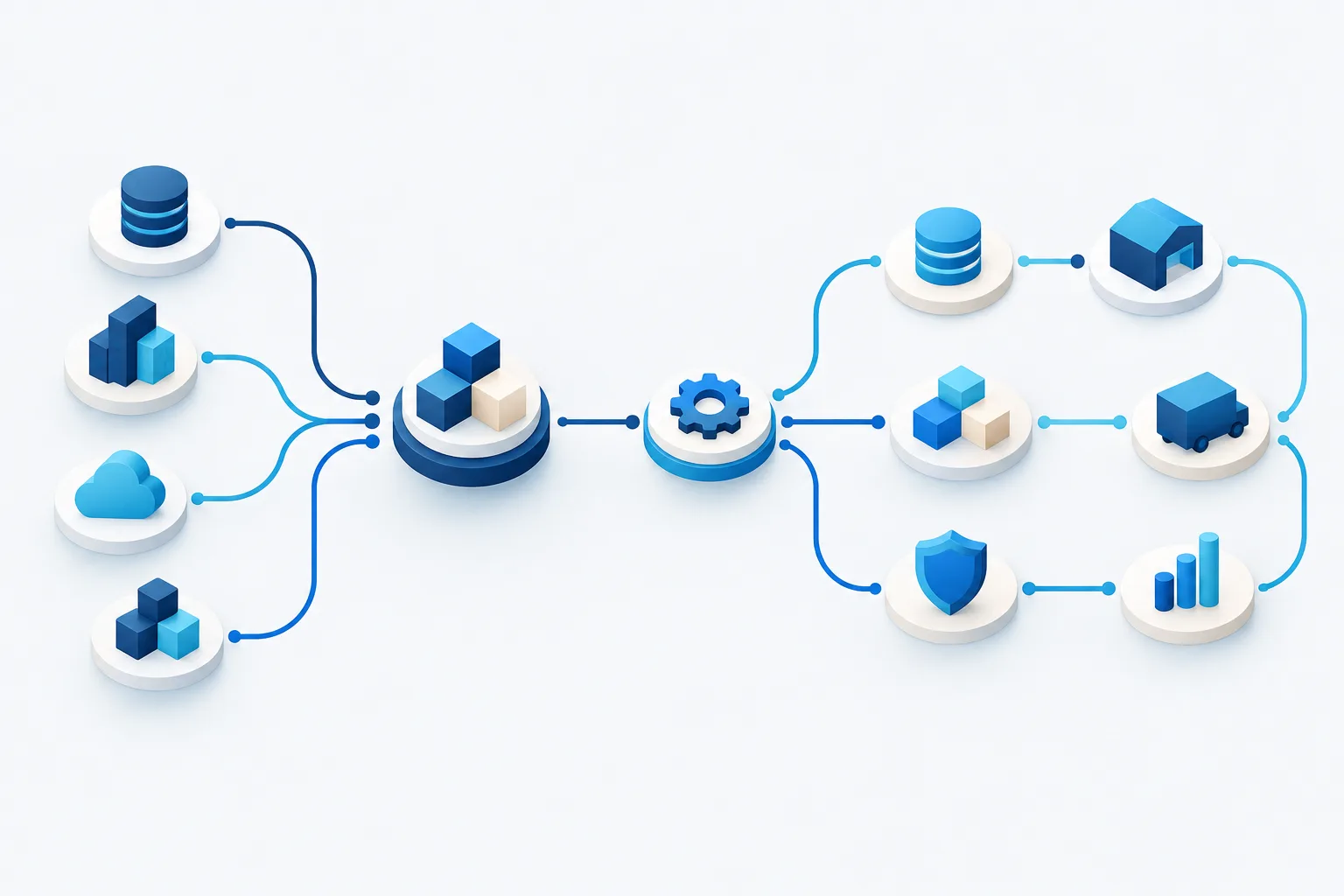
Use this recovery-priority worksheet
Make one entry for each essential business function. Keep the answers specific enough that someone outside the immediate IT team can understand what must be restored and why.
- Business function: What work needs to happen?
- Impact if unavailable: What is the operational, safety, service, or obligation-related effect?
- Downtime tolerance: How long can the function remain unavailable before the impact becomes unacceptable?
- Data-loss tolerance: How much recent work or information could the business reasonably recreate or accept losing?
- Supporting systems and data: Which applications, records, devices, and infrastructure support the function?
- People and vendors: Who operates or approves the work, and which outside providers must be involved?
- Dependencies: What must be available first, such as network access, identity services, servers, or a third-party platform?
- Workaround: What can the team do while recovery is underway, who owns that process, and what are its limits?
- Decision owner: Who confirms that the business function is ready to resume?
- Validation: What checks show that the system and its data are working as expected?
Use the downtime and data-loss fields to set recovery time and recovery point objectives for each function. In plain terms, these are the time available to restore the work and the amount of recent data the organization can tolerate losing. Do not choose the same targets for every system by default. Confirm them with business owners who understand the consequences, and make sure the targets are realistic for your technology and recovery arrangements.
Turn priorities into a dependency-aware restore order
Once you have ranked the business functions, map their supporting technology. A high-priority application may still be unusable until its network connection, user access, database, or other prerequisite is restored. That is why a restore sequence should follow dependencies instead of simply ranking applications by visibility.
For each critical function, trace the chain from the people doing the work to the information and services they need. Look for shared dependencies used by several functions. Restoring a foundational service may enable multiple important workflows, while bringing back a standalone tool may have little immediate effect.
Then arrange recovery in a sequence that balances business impact, dependencies, and safe operation. A practical order often looks like this:
- Establish a safe recovery environment. Confirm that the incident is understood well enough to begin recovery and that the systems being used are appropriate for the situation.
- Restore prerequisites. Recover the network, identity and access services, infrastructure, or data stores that priority workflows depend on.
- Bring back essential business applications. Work through the systems tied to the highest-impact functions, taking dependencies into account.
- Validate with business owners. Check access, data, integrations, and real work processes before treating a system as operational.
- Continue with lower-priority services. Restore remaining systems in a planned sequence while keeping workarounds available as needed.
This is a planning model, not a universal technical sequence. The right order depends on your environment and the nature of the outage.
Should email come before business applications?
Not automatically. Email can be essential for coordination, but a business application may be more directly tied to urgent service delivery or time-sensitive operations. Check what people need to communicate during recovery and whether they have another approved way to coordinate. Then compare email’s dependencies and business impact with those of the applications supporting essential work.
The worksheet should make the choice visible: Which function relies on email? Which other system relies on the business application? What workaround can people use? Who makes the priority decision? This is more dependable than assuming that one familiar tool should always be restored first.
Change the plan when the outage involves a cyber incident
A system that is technically available is not necessarily ready to reconnect to business operations. After a suspected cyber incident, recovery decisions should account for whether the affected environment and data can be trusted. Coordinate restoration with the people responsible for incident response, security, and business operations. Validate systems before returning them to normal use, and avoid bypassing safeguards just to restore access quickly.
NIST’s cyber incident response guidance provides further direction for organizations handling an incident. For healthcare organizations, the healthcare system restoration checklist addresses system recovery considerations in that setting.
Document who is authorized to approve restoration, what checks must pass, and how teams will communicate decisions. Recovery priorities may need to change as responders learn more about the incident, so give the decision owner a clear way to update the sequence.
Keep the worksheet useful
Build the worksheet with the people who own business functions, not just the people who manage technology. Ask department leads to confirm impact, workarounds, and data needs. Ask IT staff and relevant vendors to confirm dependencies and what recovery arrangements can support. Record the date of review and assign someone to keep the document current.
Test the plan in a discussion exercise or recovery test. Walk through a scenario, follow the dependency chain, and check whether the named contacts, workarounds, and decision owners are still accurate. Update the worksheet when business processes, applications, providers, or infrastructure change. A disaster recovery plan and a backup restore test can help connect priorities on paper to practical recovery steps.
Frequently asked questions
How do we decide which business functions are most critical?
Compare the impact of interruption across safety, essential service, customer needs, time-sensitive work, and obligations. Include the people responsible for each function, and record any workable alternatives.
How do system dependencies affect recovery?
A priority application may depend on shared services, access controls, infrastructure, or outside providers. Identify and restore the prerequisites needed for the application to work, then confirm the workflow with its business owner.
How can we keep operating while systems are down?
Document manual or alternate processes in advance, including who can use them, how work will be recorded, and when the workaround is no longer practical. Choose options that fit your organization’s security and operating requirements.
How often should we review the recovery-priority worksheet?
Review it when important business processes, systems, vendors, or dependencies change, and include it in recovery exercises. A test can reveal gaps that are easy to miss when only reading the plan.
Make recovery decisions before the outage
The most useful restore order is the one tied to essential work, realistic downtime limits, system dependencies, and safe validation. Build the worksheet with business and IT owners, then test it so the plan reflects how your organization actually operates. Zevonix provides managed IT, disaster recovery and backup, and business continuity planning for businesses in Volusia County. Learn about managed IT services in Volusia County, or contact Zevonix at (386) 260-0777 to discuss your recovery planning needs.